Table of Contents
Edit Auto ID Card Settings
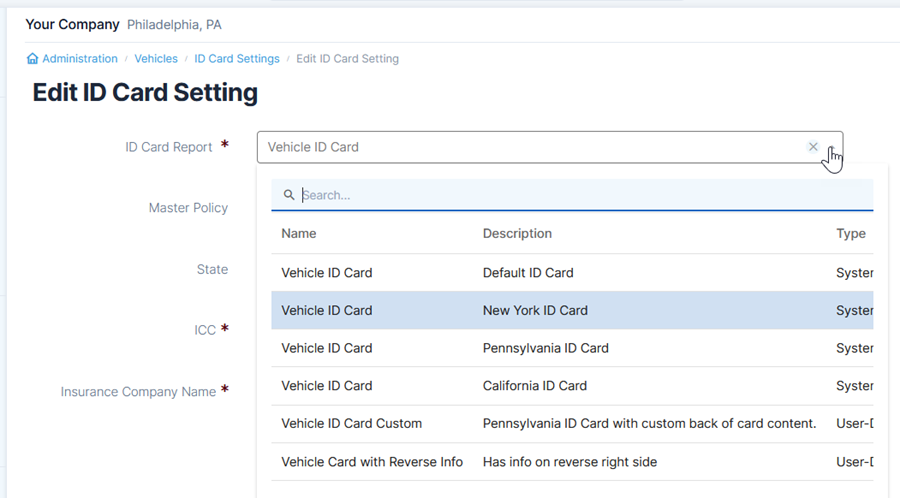
Auto ID card layout settings are managed the Vehicles section of Administration. Create a default card or specific cards for other states including New York, Pennsylvania, and California.
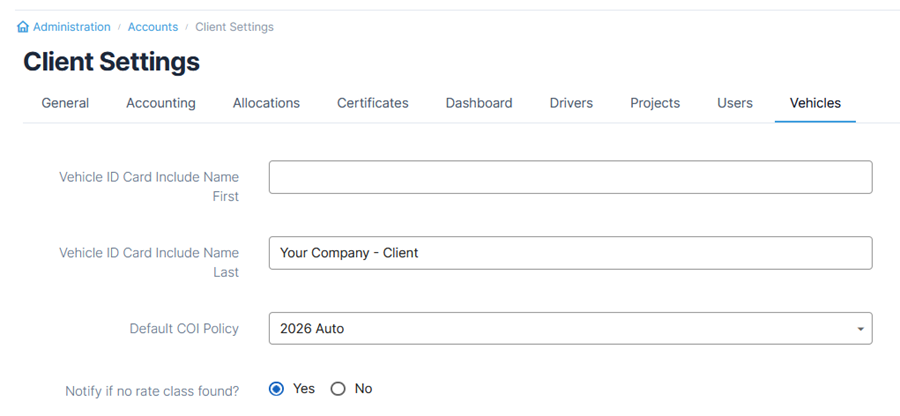
Additional settings for ID cards are found in the Client Settings in Administration. In the Vehicles tab you can add a name either before or after the insured information and include a default COI policy. Note that these settings apply to all accounts.
Editing Auto ID Cards
To change information on the reverse side of a card, use Report Builder in Administration. You will first need to copy an existing ID card report and then edit the information as needed.