Table of Contents
About the Invoice Inspector
The Invoice Inspector is a record of the factors that produce final invoice charges. Each invoice includes charges for a specific coverage. The Invoice Inspector details how the amount was calculated, the coverage and its associated fund, accounts, and information regarding edits. Charges may be included from multiple accounts when Bill To Account is used.
Access the Invoice Inspector
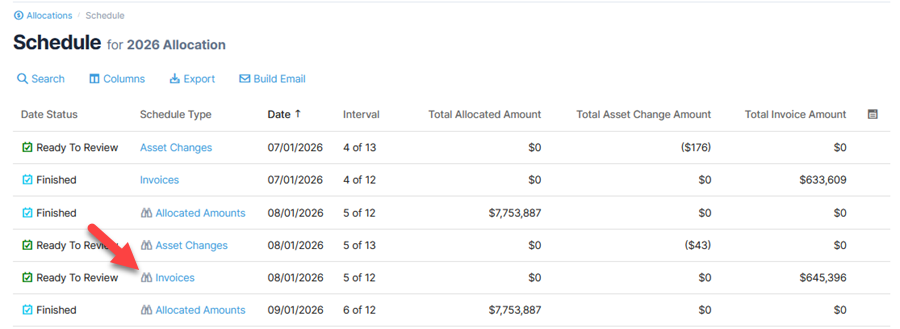
- Open the Allocation Schedule.
- Select an invoice schedule date with the inspector icon, which indicates an inspector is available. Click the Schedule Type to view invoices.
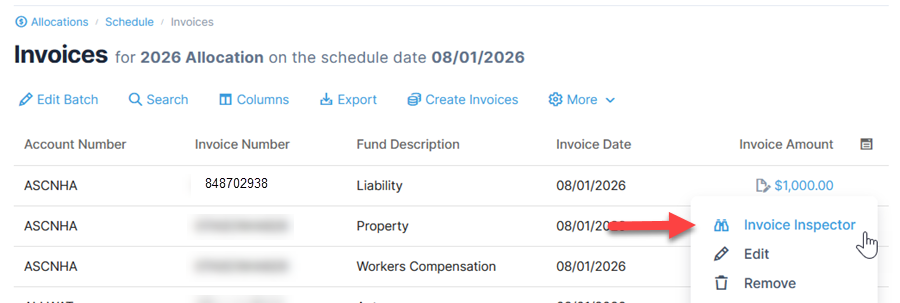
- From the Invoices page, select an invoice and click Invoice Inspector from the action menu.
Alternatively, click the amount to open the Inspector.