Table of Contents
Edit Documents
The document viewer, a pop-up window that displays documents, is available for pdf documents, Excel spreadsheets (.xlsx), Outlook messages (.msg), Word documents (.docx) and image files (.jpg, .png, .gif, etc.).
The document viewer can be opened from the Documents module, documents by owner, and the documents section of the Grants module.
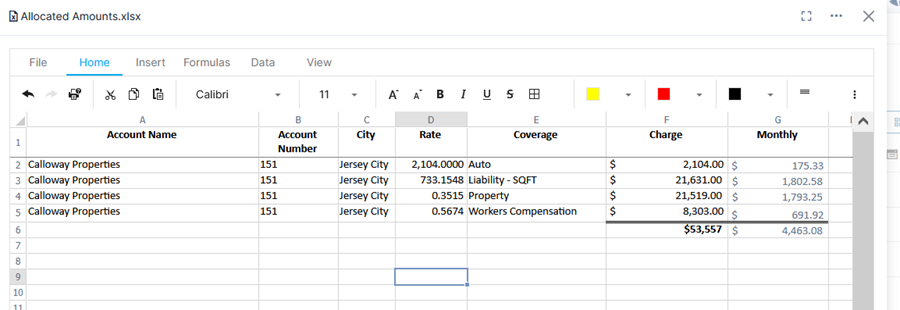
Microsoft Word and Excel files can be edited directly in Quadra through the document viewer.
- Open the Documents module for your selected account.
- Open a Word or Excel document in the viewer by either clicking on the file name, the thumbnail view, or View Document from the action menu.
- Click in the document and edit as needed.
- Click Save.