Using the AI Assistant
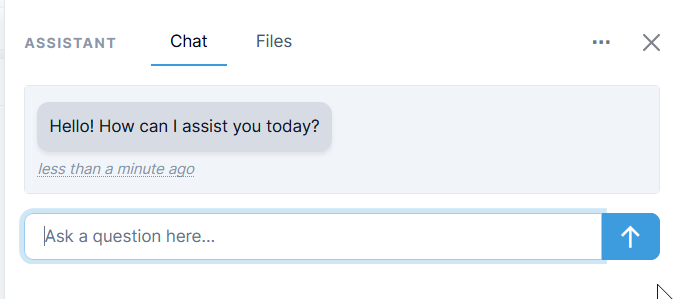
Quadra's AI assistant can be accessed by clicking the icon on the upper menu on the interface.

The assistant can be used for:
- Support for Users: Find answers to questions about Quadra functions, and
- Document Analysis: Upload documents and ask questions about the content.
Support for Users
The assistant serves as another support feature for users who need to find information about functions or troubleshoot issues. It has been trained on Quadra's documentation and answers questions with a casual style.
Document Analysis
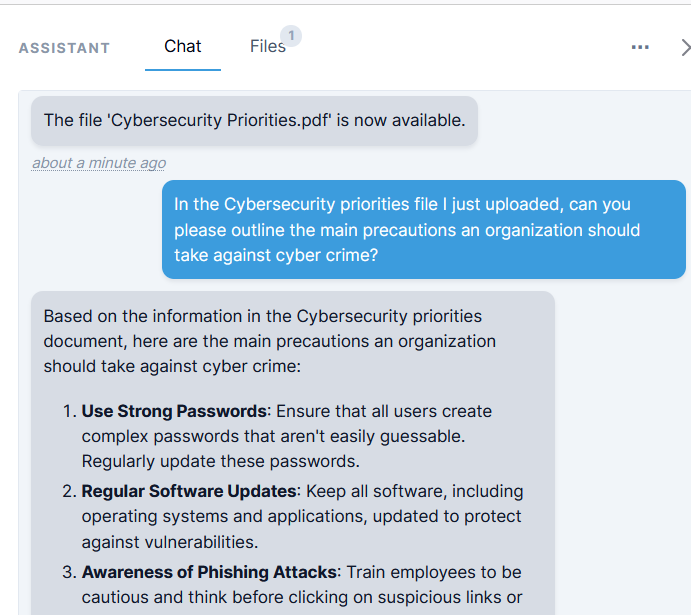
Users can upload documents from the Documents, Reports, and Standards modules to the assistant. By running analyses on these files, the assistant can provide answers and create summaries and graphs.
Documents can also be uploaded through the assistant. These documents will automatically be saved in the Documents module and can be referenced in the assistant for analysis.
A maximum of three files can be uploaded to the assistant at a time.
Additional Help Pages
AI Analysis for Documents
AI Analysis for Reports
AI Analysis for Standards
AI Analysis for Survey Responses