Table of Contents
View User Profile Information
Profile pictures accompany user names wherever users are integrated into Quadra features, such as the history grids or task assignments.
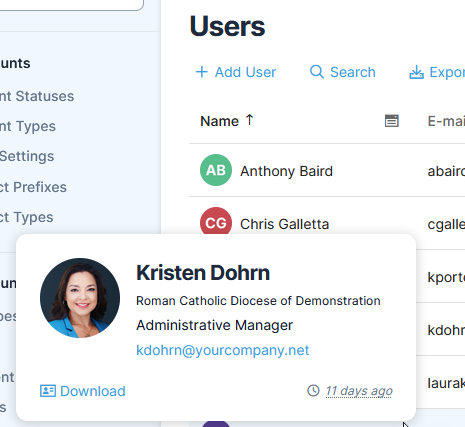
Note that if you click on another user's profile picture in Quadra, a pop-up window will display their name, title, email address, and when they were last active.
Read more about editing your profile.
The profile window can be opened from these sections in Quadra:
- History grids
- Notes grids
- Note Task section
- Notifications grid
- Survey Responses grid
- Timeline lists
- Active User lists
- User administration