Submit an Issue
Submit an issue if you need to alert the development team of a problem or suggestion.
Read more about managing issues once they have been submitted.
Submit an Issue from Your Account
Submit an Issue from the Support Center
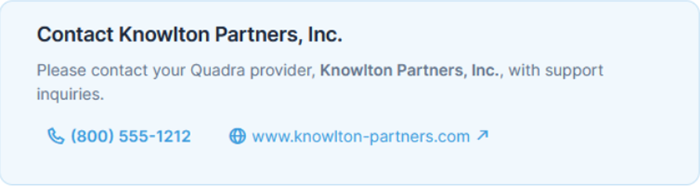
If your organization uses Quadra through a provider such as a brokerage, the Submit Issue feature is disabled. On the Submit Issue page under Your Account and in the Support Center, your provider's name and contact information will be displayed. Contact your provider with support inquiries.
Sample message:
Submit an Issue From Your Account
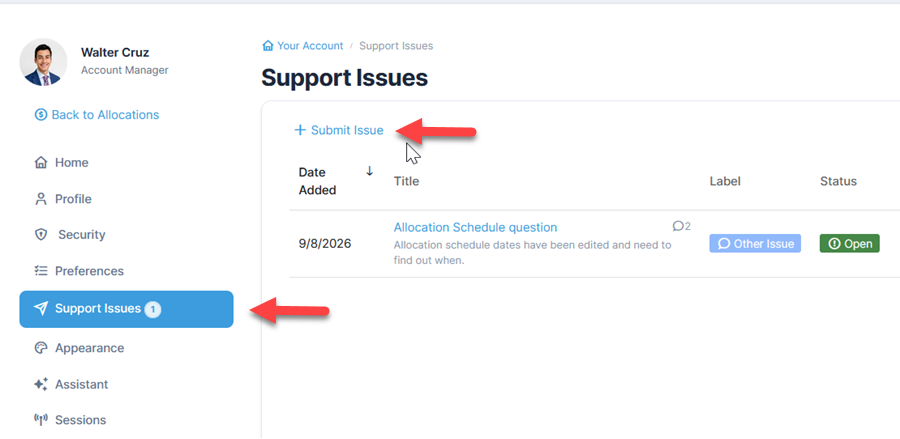
- Open Your Account, then select Support Issues from the left menu.
- On the Support Issues page, click Submit Issue.
- Complete the issue form by typing in a title, selecting a label, and including a description.
- Click Submit Issue.
Submit an Issue from the Support Center
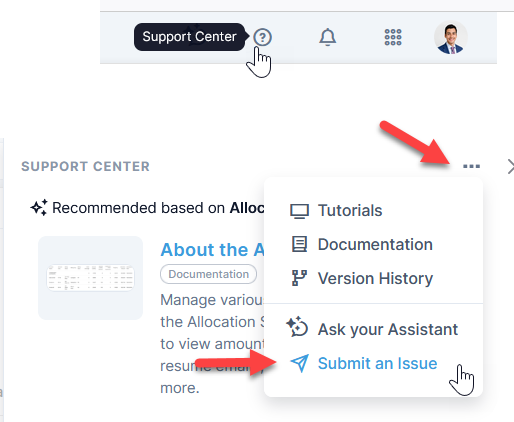
- Select the Help icon at the top right to open the Support Center.
- Click the elipsis at the top right of the window and select Submit Issue.
- Complete the issue form by typing in a title, selecting a label, and including a description.
- Click Submit Issue.
Once an issue is submitted, both the user and development team will have the option to add or edit comments. Options are also available to edit the title, label, or status.
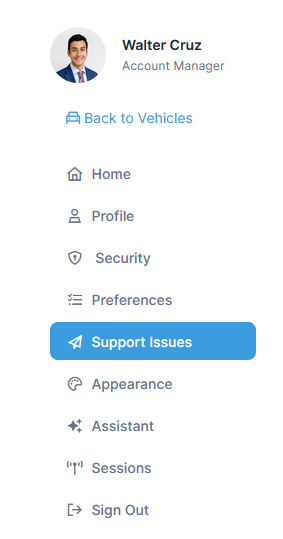
Access issue details by selecting Support Issues under Your Account.
Whenever a new issue is submitted, a notification will be sent to both the user and the development team.