Table of Contents
Reinstate Account
When you reinstate a row that has been removed, its Date Removed is cleared.
Note that removed rows will not appear in the module grid by default.
To view removed rows, you must first run a search. Once you have selected to display removed rows, they will appear in red in the module grid.
View Removed Accounts
- Open the Details module of the account you plan to edit.
- Click Search from the module toolbar.
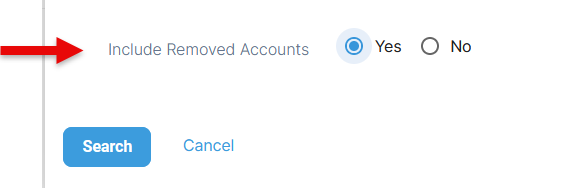
- On the Search tab, click Yes for the Include Removed Accounts option at the bottom.
- Click Search.
Reinstate a Removed Account
- Once the removed rows are visible, select a removed account. Under the action menu, select Reinstate.
- In the confirmation window asking if you are sure you want to reinstate, select Yes. The reinstatement message will appear.
