Table of Contents
Refresh Assets
Refresh the assets if any changes were made to assets or coverage rules. You can refresh assets from any tab within the allocation wizard once coverage information has been entered.
- From within Quadra, open the Allocations module.
- Find the allocation within the list. Under the action menu, click a tab under Edit. You can also select any tab while creating a new allocation.
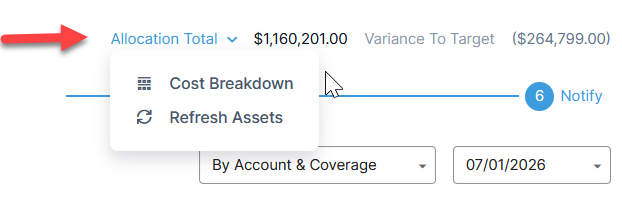
- At the top right of a tab, click on Allocation Total to open a drop-down menu.
- Select Refresh Assets.