Table of Contents
Access Allocation Cost Breakdown
Once the coverage information is entered for a new allocation, the Cost Breakdown is available from all tabs within the allocation wizard.
- From within Quadra, open the Allocations module.
- Find the allocation within the list. Under the action menu, click a tab under Edit. You can also select any tab while creating a new allocation.
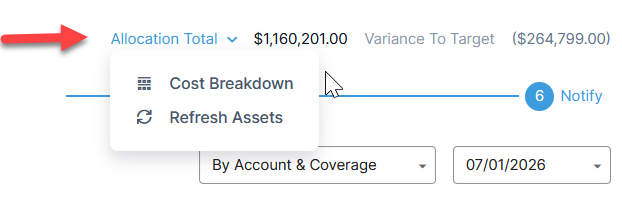
- At the top right of the tab, click on Allocation Total to open a drop-down menu.
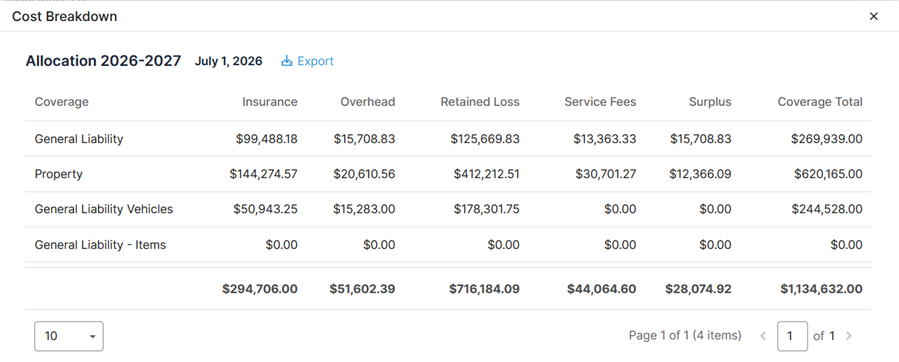
- Select Cost Breakdown to bring up a summary of coverages and their associated cost components.